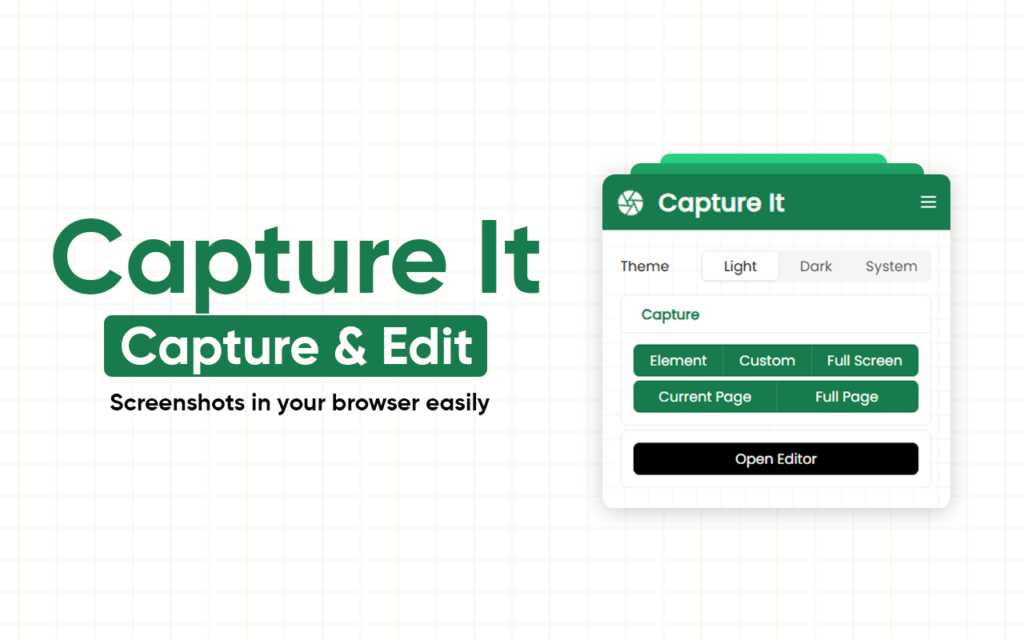
Capture It – Capture and Edit Screenshots In your Browser
Tired of boring screenshots that lose fonts, layouts, and style? Capture It is here to change the game. This lightweight browser extension lets you capture and edit screenshots in stunning, pixel-perfect designs—directly in your browser. No extra apps. No distortions. Just perfect images. Install Capture It Why Capture It Will Make You Smile Imagine taking […]
Tired of boring screenshots that lose fonts, layouts, and style? Capture It is here to change the game. This lightweight browser extension lets you capture and edit screenshots in stunning, pixel-perfect designs—directly in your browser. No extra apps. No distortions. Just perfect images.
Install Capture It
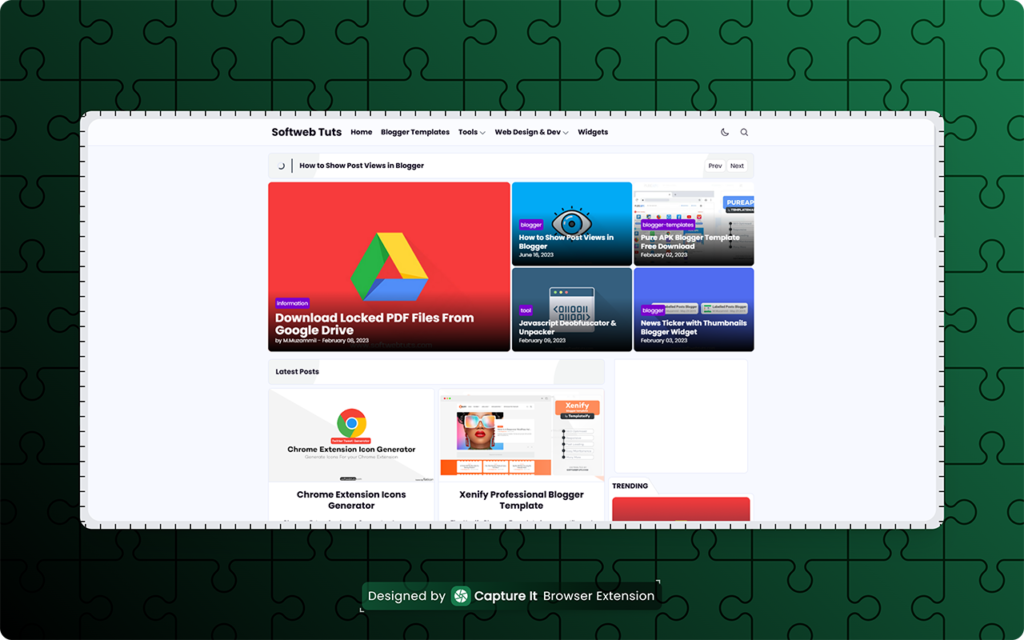
Why Capture It Will Make You Smile
Imagine taking a screenshot, and everything looks exactly like your screen—fonts intact, layouts perfect, styles untouched. That’s Capture It. Designers, marketers, and creators are loving it because it makes images pop without extra effort.
Key Features That Make Capture It Irresistible
- ✅ Pixel-perfect capture – every font, style, and layout preserved
- 🎨 Live padding & margin controls – tweak spacing on the fly
- 🔲 Rounded corners – smooth iOS-style or standard radius
- 🖼️ Multiple export formats – PNG, JPG, WEBP, SVG
- 🌗 Theme support – Light, Dark, or System auto-detect
- 🙈 Element hiding – remove distractions instantly with one key
- ⚡ Fast workflow – hover and capture in seconds
- 🎑 Beautify images – gradients and more to make screenshots pop
- ✂️ Re-crop and edit – refine your captures anytime
- ⌨️ Keyboard-friendly – fast and accessible
- 🔒 Privacy-first – 100% local processing
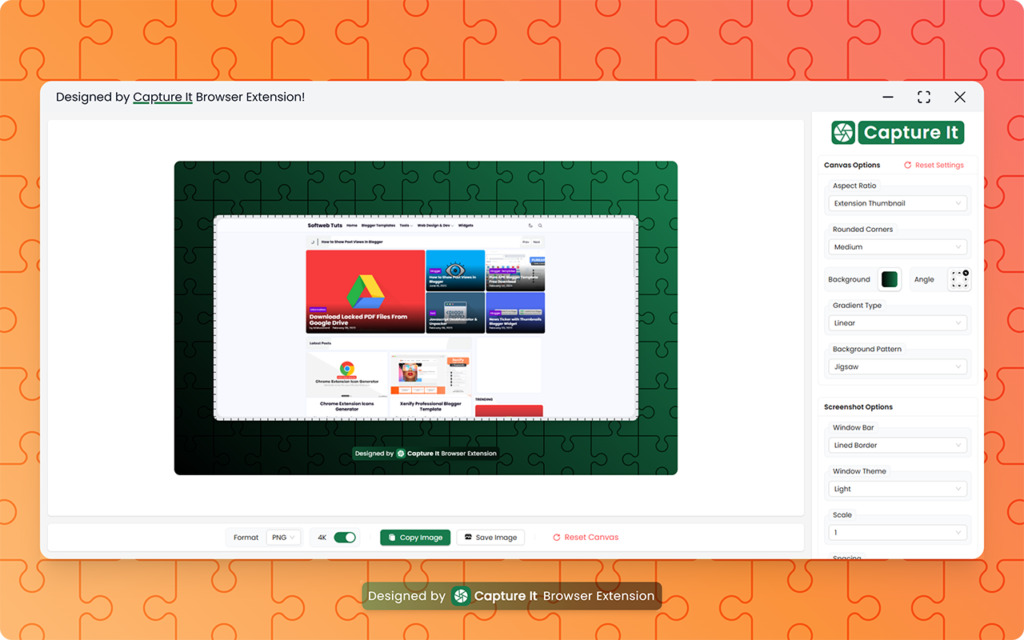
How Capture It Works in 3 Simple Steps
1️⃣ Click the Capture It icon2️⃣ Hover or select the element you want to capture3️⃣ Save, copy, or edit your screenshot instantly
Boom! That’s it. Your screenshots are now share-ready and gorgeous.
Who Should Absolutely Use It
- Designers & developers who want perfect visual captures
- Content creators making tutorials or social media posts
- Professionals creating reports, presentations, or pitches
No more messy, distorted, or boring screenshots. With Capture It, your work stands out instantly.
Capture It isn’t just a tool—it’s your shortcut to stunning screenshots in seconds. Stop wasting time. Start capturing beautifully!